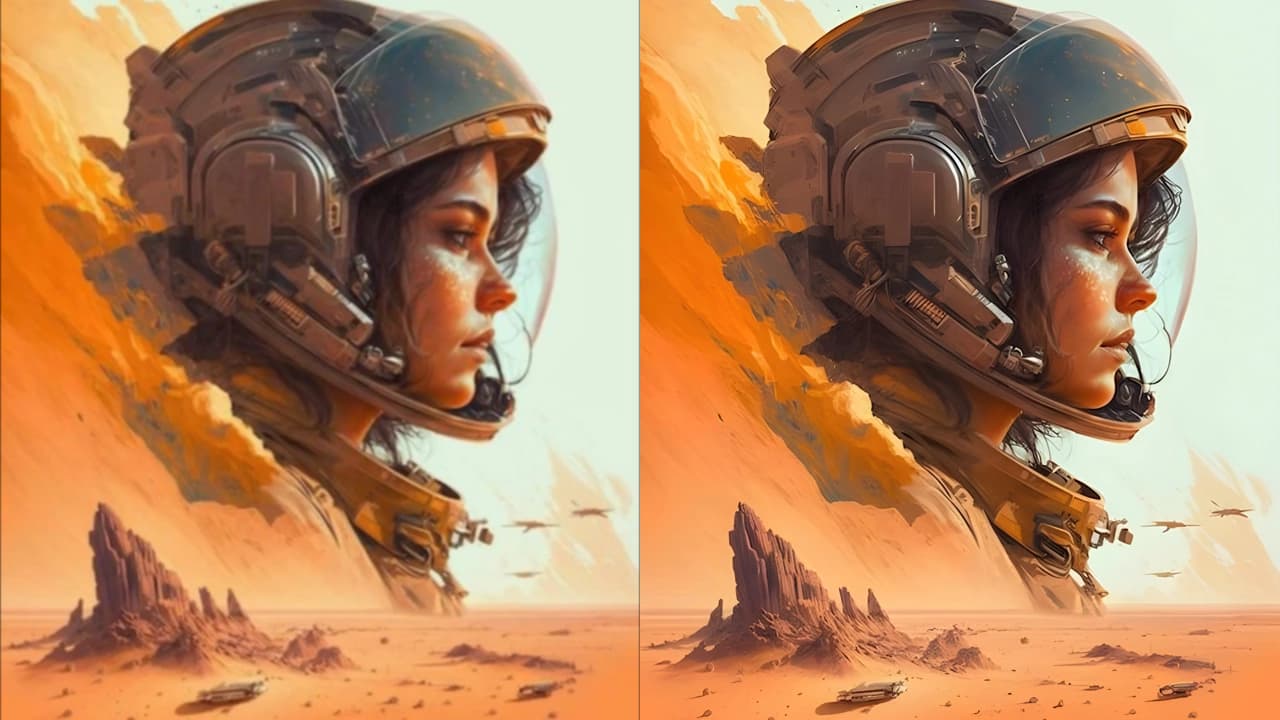
Advanced AI Super-Resolution
Increase image resolution with AI models trained to rebuild sharper edges, cleaner textures, and more natural detail.
We are currently upgrading ImgUpscaler v2. This maintenance is expected to last 12 hours. If you have any questions, please email us. support@imgupscaler.com
AI Image Upscaler Online
ImgUpscaler helps you enlarge low-resolution images, sharpen soft details, and create cleaner high-resolution visuals in a simple online workflow. Upscale photos, anime, product images, portraits, and old pictures by 2x or 4x while keeping edges, textures, and colors natural.
ImgUpscaler uses AI super-resolution to enlarge images by 2x or 4x, recover detail, and make visuals easier to use in real projects. Watch the workflow, then explore the features built for everyday image enhancement.
Increase image resolution with AI models trained to rebuild sharper edges, cleaner textures, and more natural detail.
Choose the right upscale ratio for web assets, product listings, social posts, presentations, and print-ready exports.
Enhance multiple images in a more efficient flow instead of repeating the same upload and export steps one by one.
Improve low-resolution photos, anime art, portraits, ecommerce images, and old pictures with a practical online enhancer.
Uploaded images are handled securely and automatically deleted on schedule so your creative assets do not stay online indefinitely.
Use upscaled images for marketing, client work, ecommerce listings, creative production, and other personal or commercial projects.
From quick online enlargement to batch-ready image enhancement, ImgUpscaler is built for creators, teams, and businesses that need sharper visuals without a complicated editing setup.
Turn small, soft, or pixelated images into cleaner high-resolution visuals for websites, thumbnails, presentations, posters, marketplaces, and social media posts. ImgUpscaler increases image size while preserving a more natural look than standard resizing.
Upscale an image online
When you need to enhance product photos, campaign assets, anime images, or client files in volume, batch upscaling helps keep the workflow consistent. Process more images with less repetitive manual work and prepare polished exports faster.
Explore batch upscaling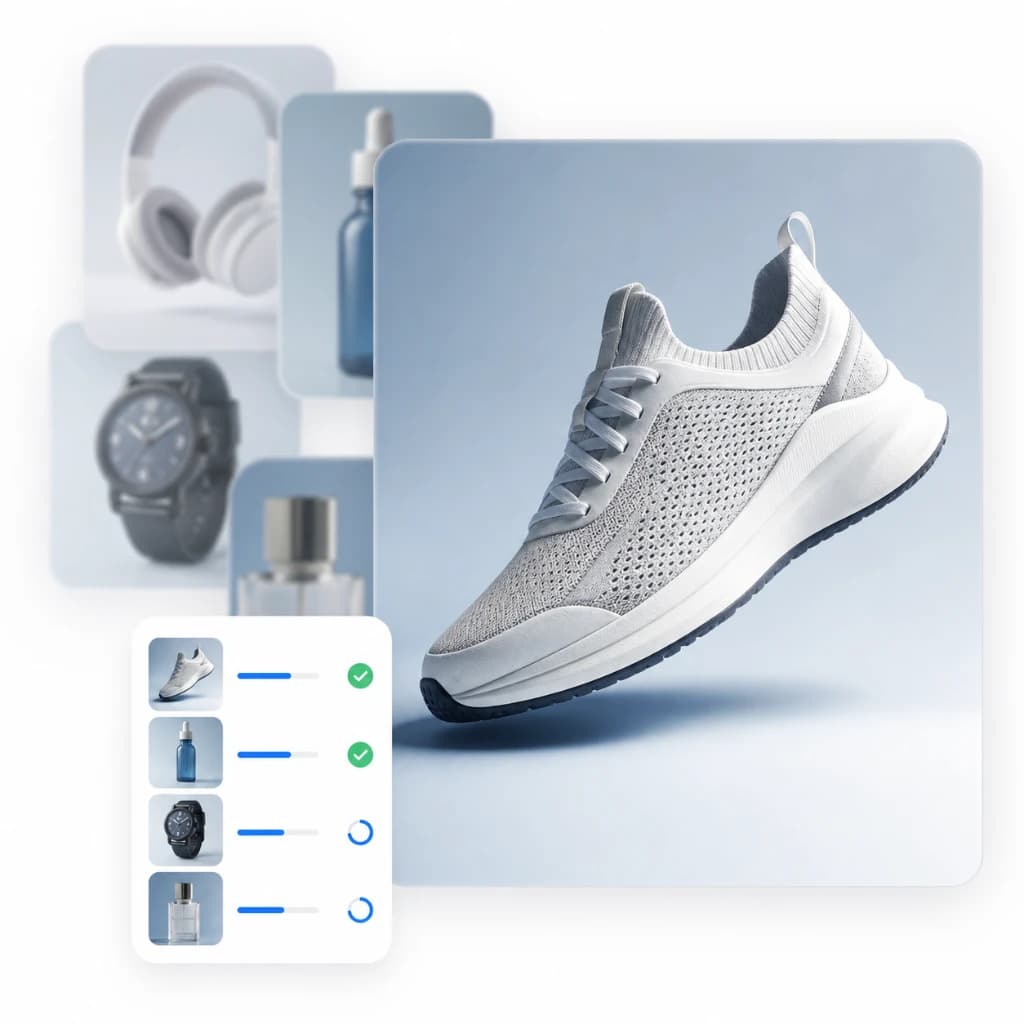
Use ImgUpscaler as an online image enhancer for the visuals people actually work with: profile photos, ecommerce listings, illustrations, scanned pictures, travel shots, and older images that need more usable resolution.
Improve image quality
Use ImgUpscaler as a simple AI image upscaler: upload your file, choose the enlargement ratio, then preview and download a sharper result.
Step 1
Start with a low-resolution photo, product image, anime artwork, portrait, old picture, or graphic that needs more clarity.
Step 2
Select the size increase that fits your goal. The AI upscaler enlarges the image while enhancing details, textures, and edges.
Step 3
Compare the result, continue editing if needed, and download a high-resolution image ready for publishing, sharing, or further design work.
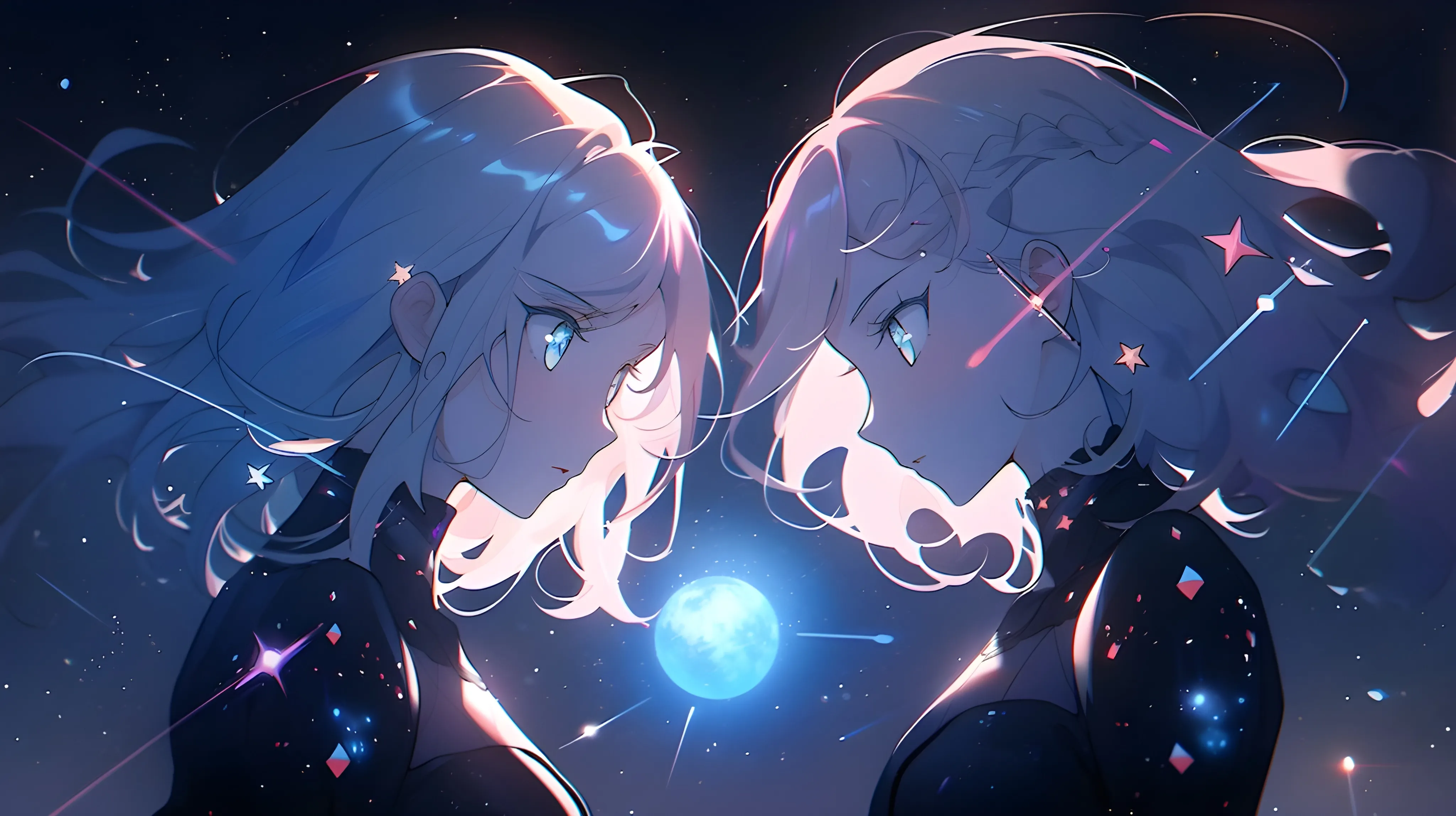
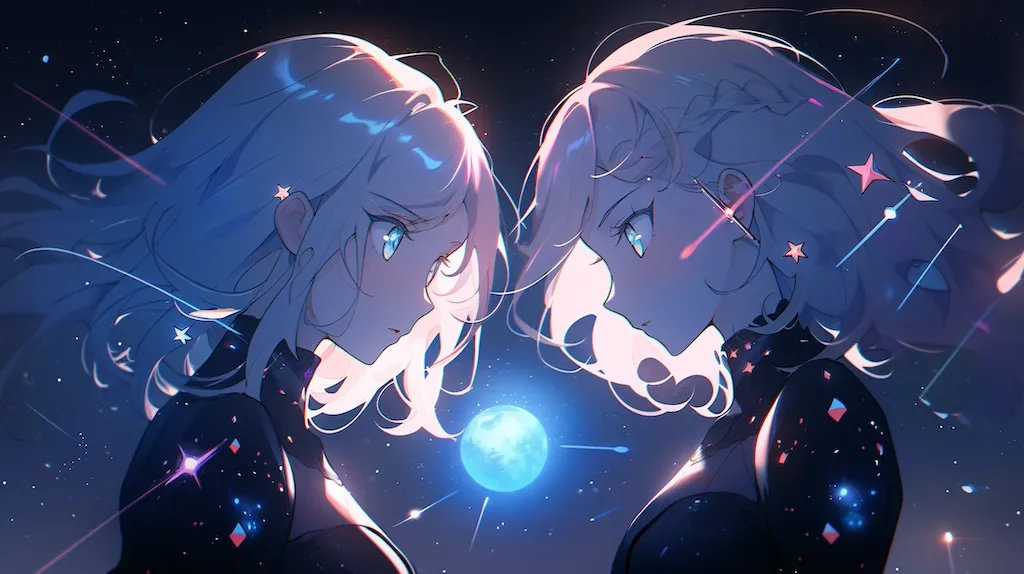
Creators, editors, marketers, and everyday users rely on ImgUpscaler when they need a practical online image upscaler for sharper, more usable visuals.
ImgUpscaler makes image enlargement simple, including batch upscaling for users who need to improve several images at once.
ImgUpscaler is useful when you need to upscale multiple images and improve a larger set of visuals without repeating the same manual steps.
Upscaling images should not be costly or complicated. ImgUpscaler gives users a straightforward way to enlarge images online.
Editor
ImgUpscaler works well across different image types, from landscapes and product photos to older pictures that need more detail.
Answers to common questions about ImgUpscaler, online image upscaling, image enhancement, file privacy, supported formats, and best-use cases.
ImgUpscaler is an online AI image upscaler that helps you enlarge and enhance images by 2x or 4x. It is designed for photos, anime artwork, product images, portraits, old pictures, and other visuals that need more usable resolution.