Sharpen Blurry Images
Make soft photos look clearer by improving edge definition, local contrast, and visible detail while aiming to preserve natural-looking faces, colors, and lighting.
AI Image Enhancer Online
Make soft, noisy, compressed, or low-resolution images look clearer. ImgUpscaler improves sharpness, texture, and visible detail for portraits, products, AI art, screenshots, and old photos.

Introducing Upscal, our desktop image upscaler
Use AI to sharpen soft images, improve visible detail, reduce noise, and clean up compression artifacts without complex manual editing.
Make soft photos look clearer by improving edge definition, local contrast, and visible detail while aiming to preserve natural-looking faces, colors, and lighting.
Improve photo quality directly in your browser. Clean up low-quality images for social media, websites, presentations, printing, ecommerce listings, and professional sharing.
Improve the appearance of hair, fabric, product edges, linework, and small textures so the enhanced image looks sharper and more usable.
Clean up digital noise, JPEG artifacts, softness, and web compression damage in screenshots, older uploads, compressed photos, and images saved from social platforms.
Enhance AI-generated artwork from popular image tools with cleaner textures, sharper-looking details, and a more polished finish.
Improve portraits, product photos, anime images, illustrations, and digital artwork with clearer textures and higher resolution while preserving the original style.
Improve soft phone photos, compressed web images, product visuals, portraits, and AI-generated artwork without a complex editing workflow.
Enhance soft or low-quality images while keeping the result natural-looking. The AI image enhancer improves edge definition and texture while reducing blur, noise, and compression artifacts.
Sharpen an image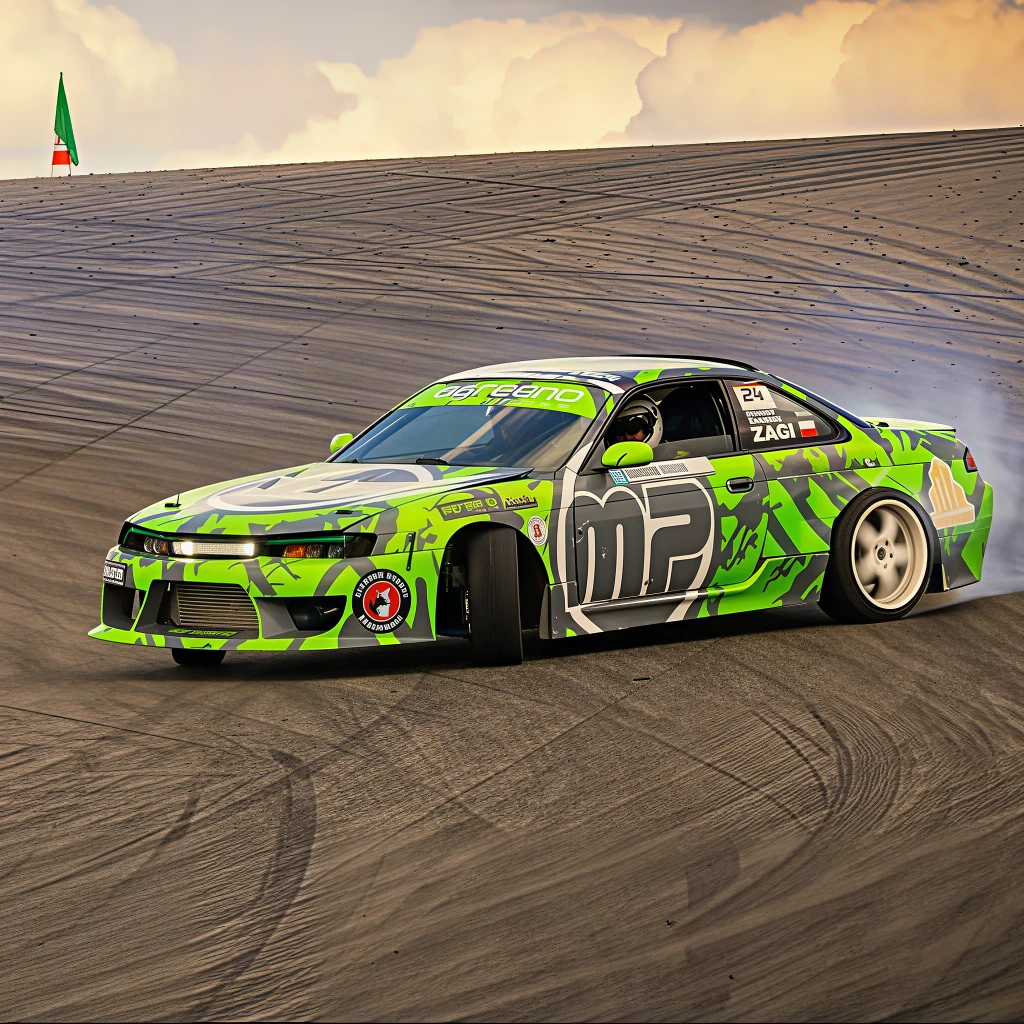
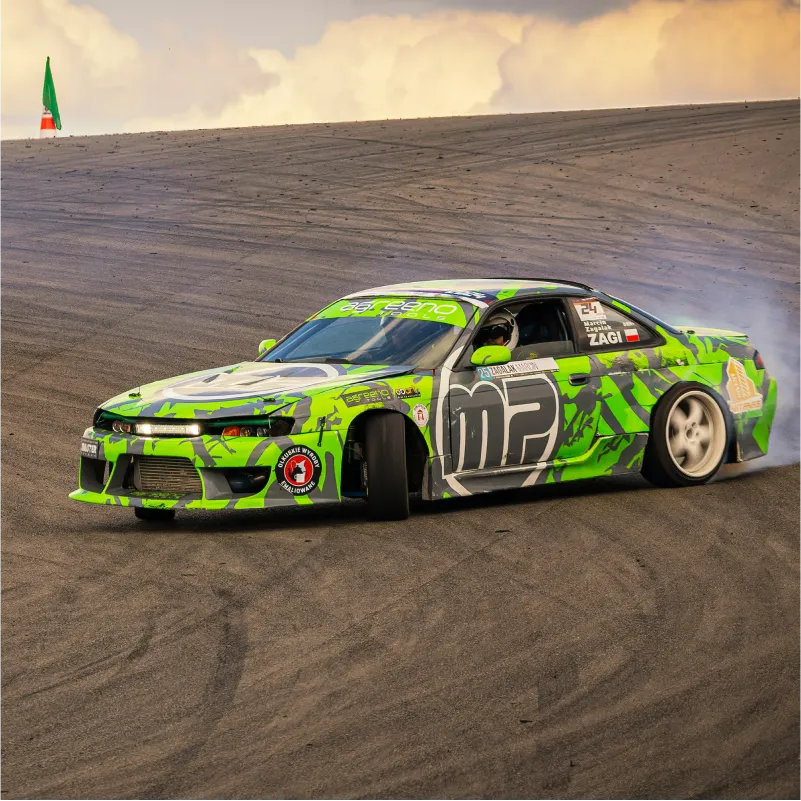
Create clearer high-resolution images for social media, presentations, print materials, wallpapers, product listings, and professional sharing. AI enhancement increases usable detail while upscaling the image for cleaner viewing across different output sizes.
Upscale and enhance an image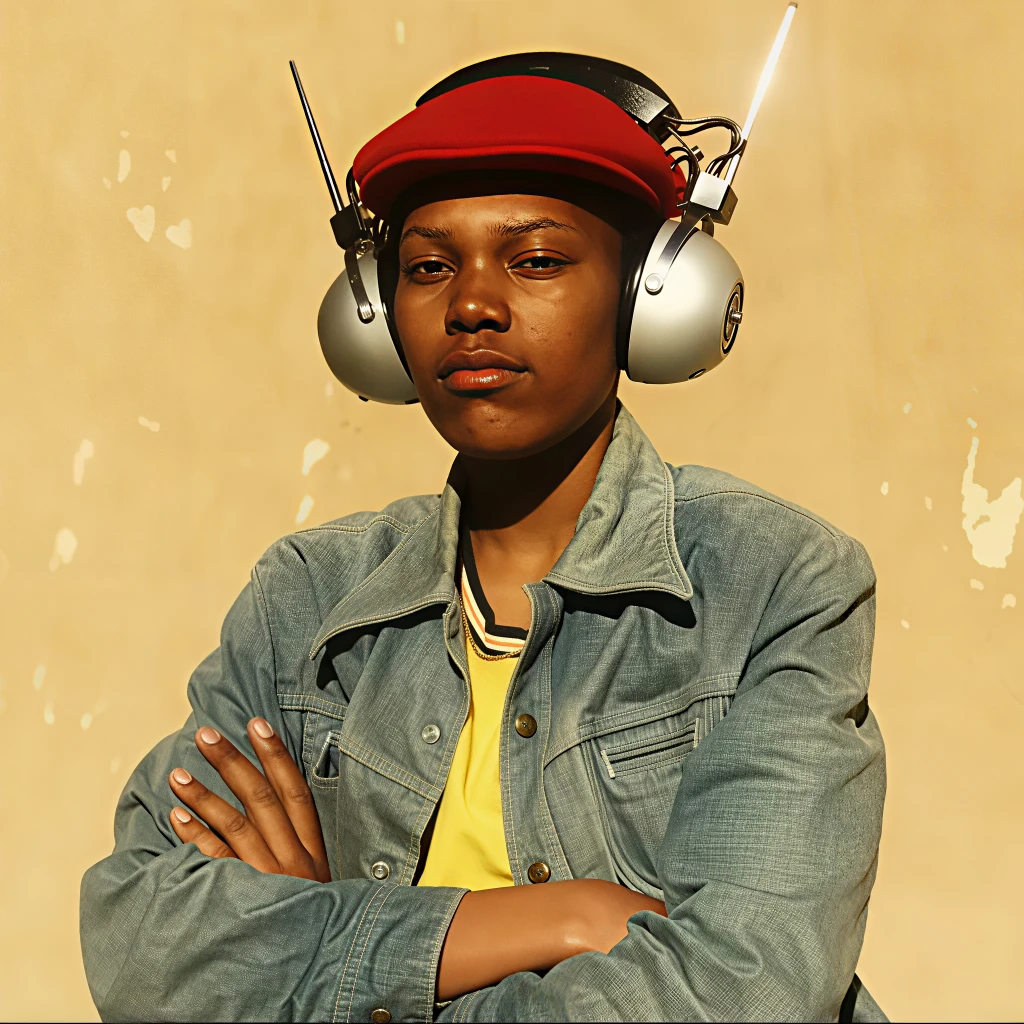
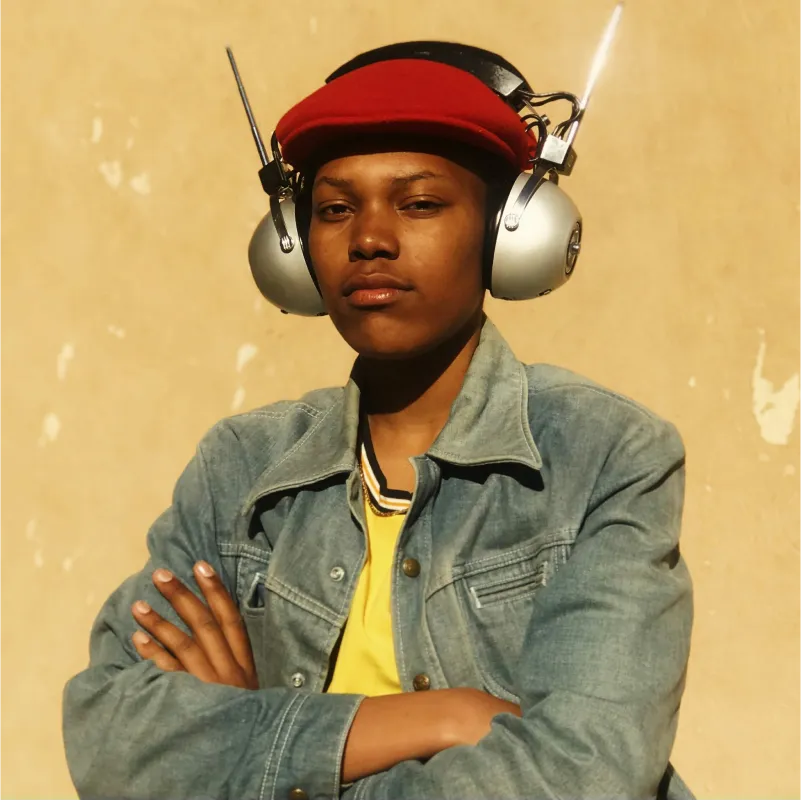
Use the enhancer on AI-generated images, portrait photos, anime artwork, illustrations, screenshots, and product visuals. It sharpens textures, cleans up artifacts, increases image details, and improves clarity while preserving the original visual direction.
Improve creative images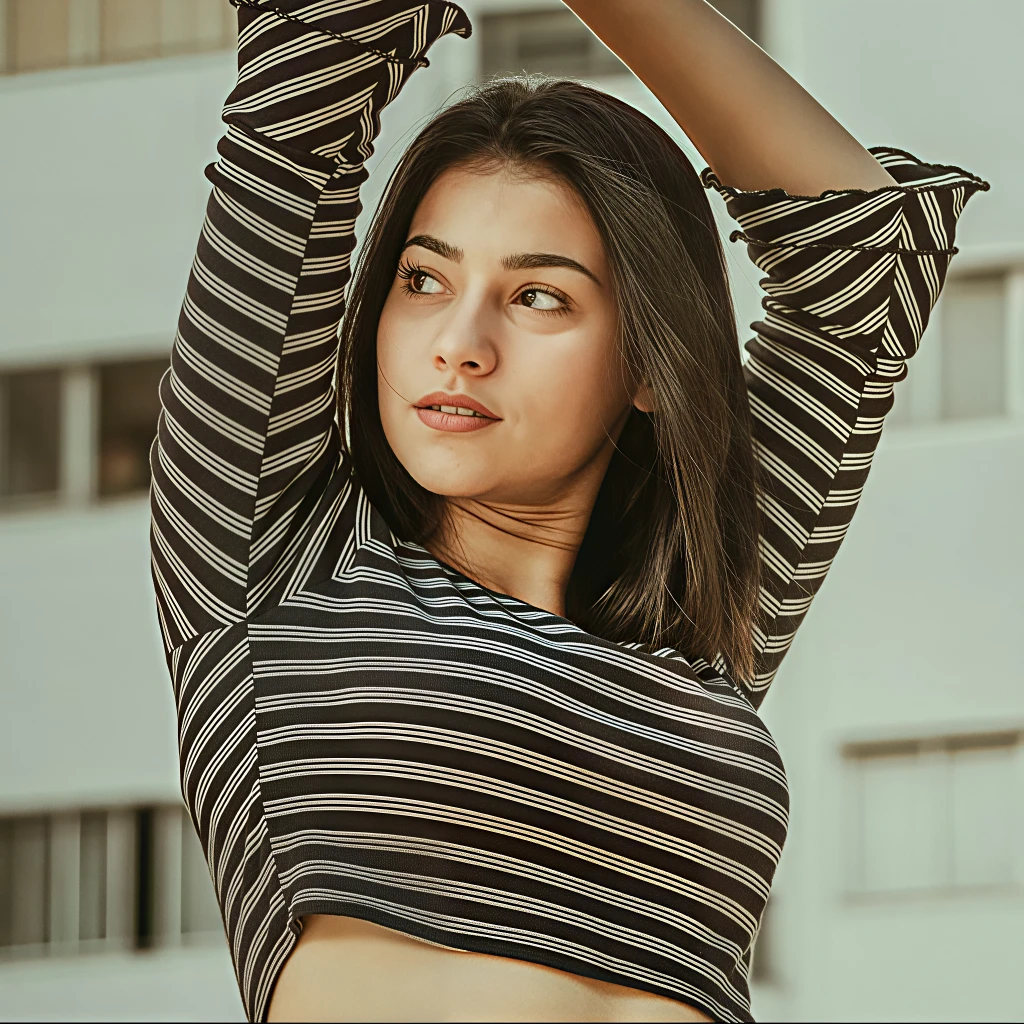
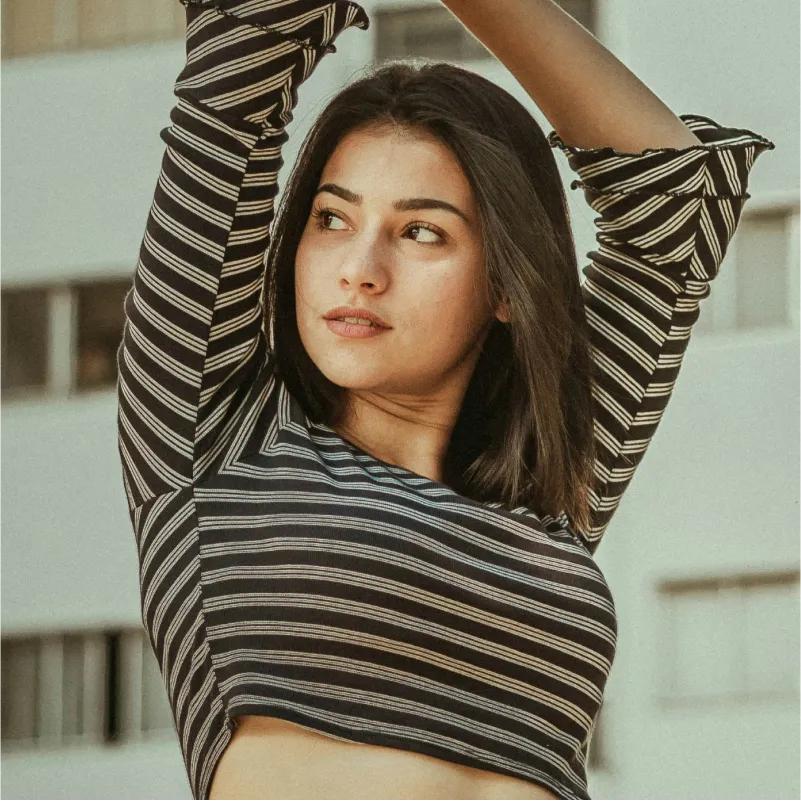
Upload an image, choose an output size, then preview and download a clearer high-resolution result.
Step 1
Start with a blurry, compressed, noisy, low-resolution, old, or AI-generated image. The enhancer workflow is designed for portraits, illustrations, screenshots, product photos, and everyday visuals.
Step 2
Select the output quality that fits your goal, whether you need to sharpen a photo quickly, increase image details, or create a clearer higher-resolution result for sharing, publishing, or printing.
Step 3
Compare the before-and-after version, review the restored detail, sharper edges, and cleaner texture, then download the enhanced image when it is ready.
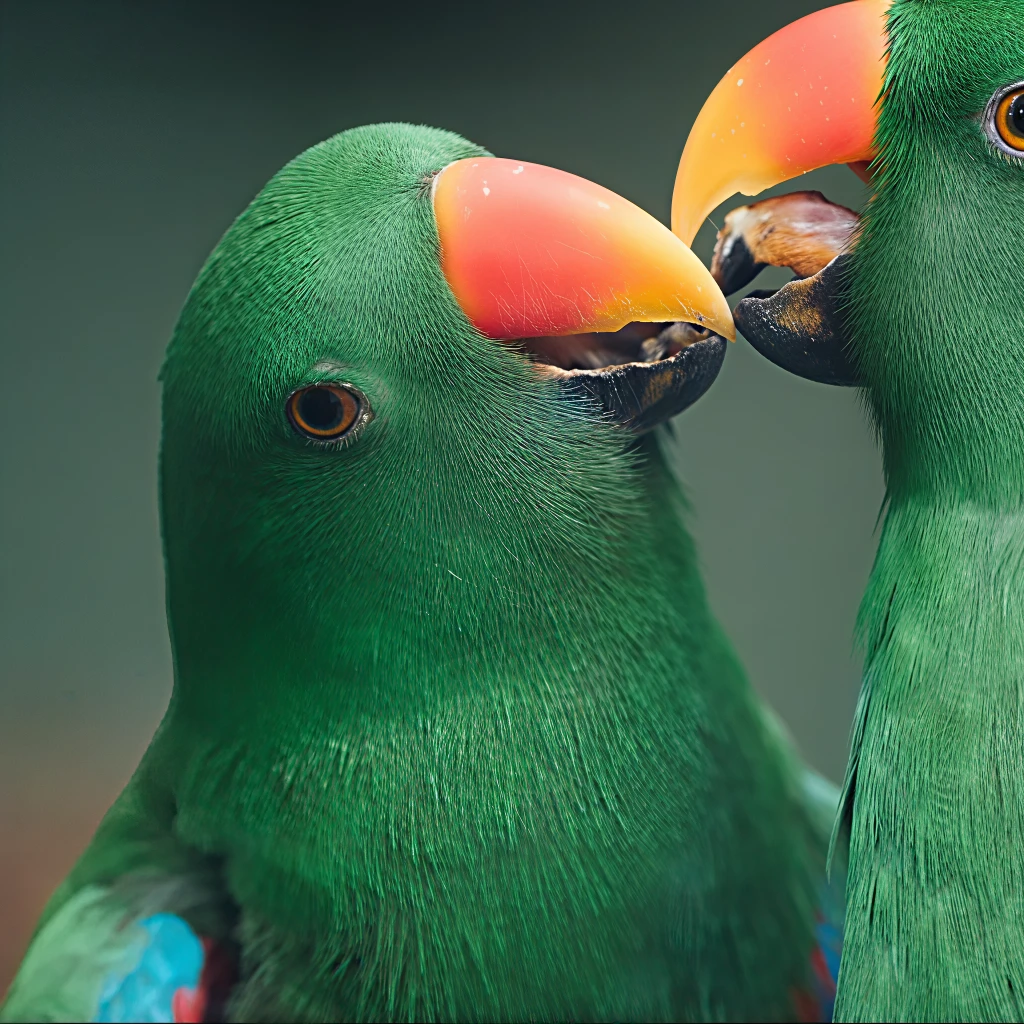
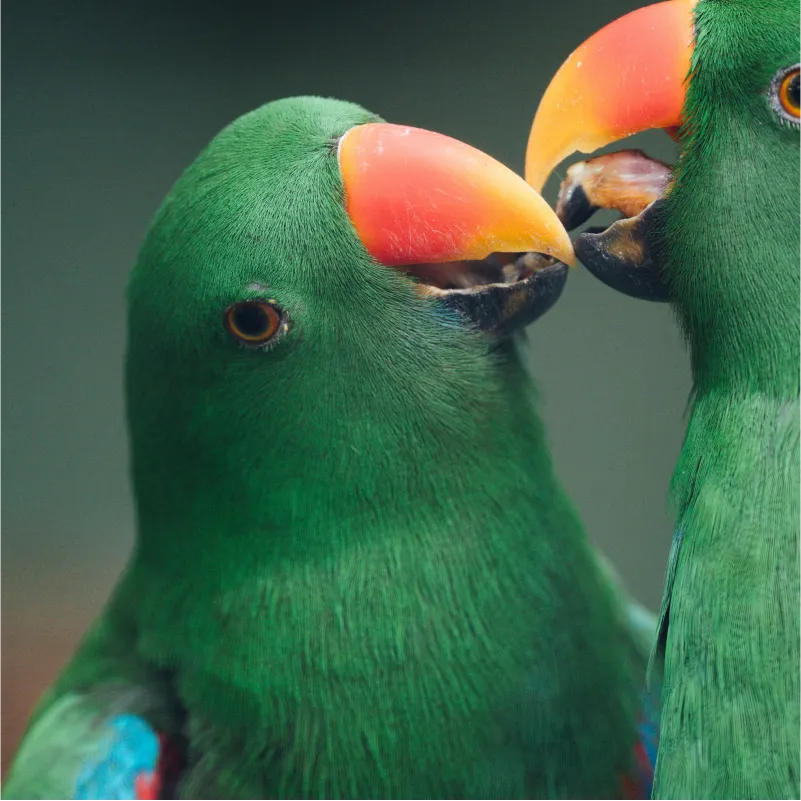
Answers to common questions about AI image enhancement, improving image quality, sharpening blurry photos, increasing image details, output quality, privacy, and supported use cases.
An AI image enhancer is an online tool that improves image quality automatically. It can sharpen blurry images, increase image details, reduce noise, clean up compression artifacts, and create clearer results without manual editing.