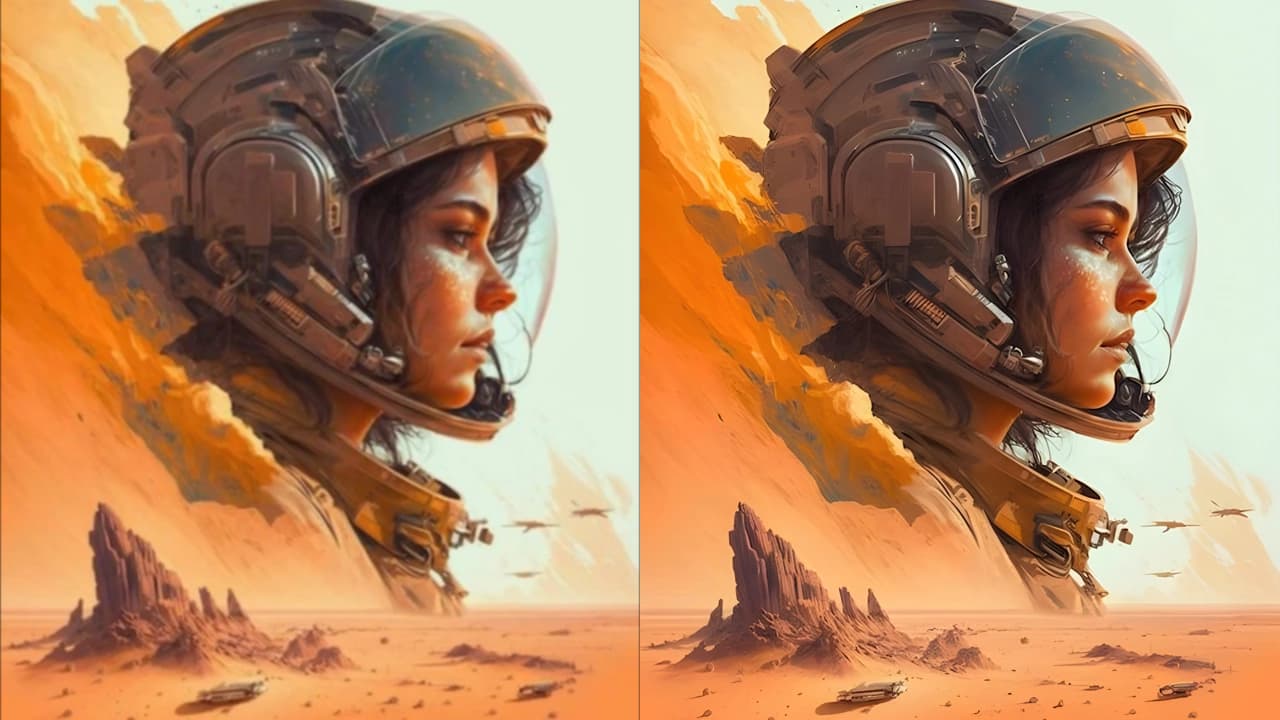
AI super-resolution
AI adds detail as it enlarges an image, helping edges and textures look sharper.
AI Image Upscaler Online
Enlarge photos and artwork by 2x or 4x. Upload an image, choose a scale, and compare the sharper result with your original before downloading.

Upscal for desktop
Watch how to upload an image, enlarge it by 2x or 4x, and compare the result with the original.
AI adds detail as it enlarges an image, helping edges and textures look sharper.
Choose 2x to double the width and height, or 4x to make each dimension four times larger. Large uploads may be resized before processing.
Add up to 8 images with a paid plan. Download completed results individually or together in a ZIP file.
Upscale portraits, product photos, anime, and scanned pictures.
Uploaded images and results are automatically deleted within 24 hours after processing.
Use results in your own projects or client work, subject to the rights associated with your source images.
Enlarge a single photo or process a batch of product images in your browser.
Give a small product photo, illustration, or presentation image more resolution. For example, a 1000 × 750 image becomes 2000 × 1500 at 2x or 4000 × 3000 at 4x. Compare edges, lettering, and fine textures before using the result.
Upscale an image online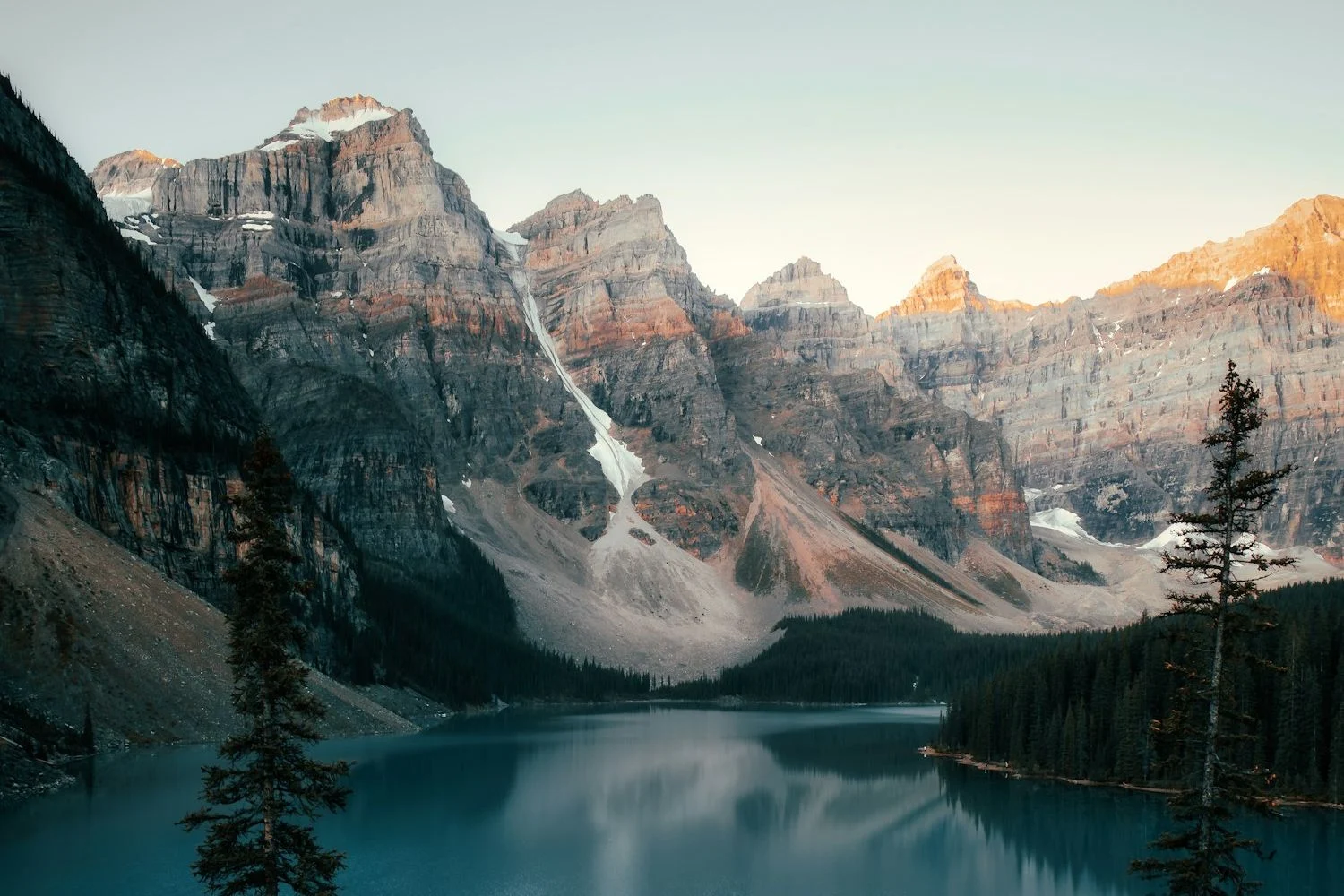
Add up to 8 product photos or client images at once with a paid plan. Choose a scale for the batch, review each result, and download completed images individually or as a ZIP file.
Explore batch upscaling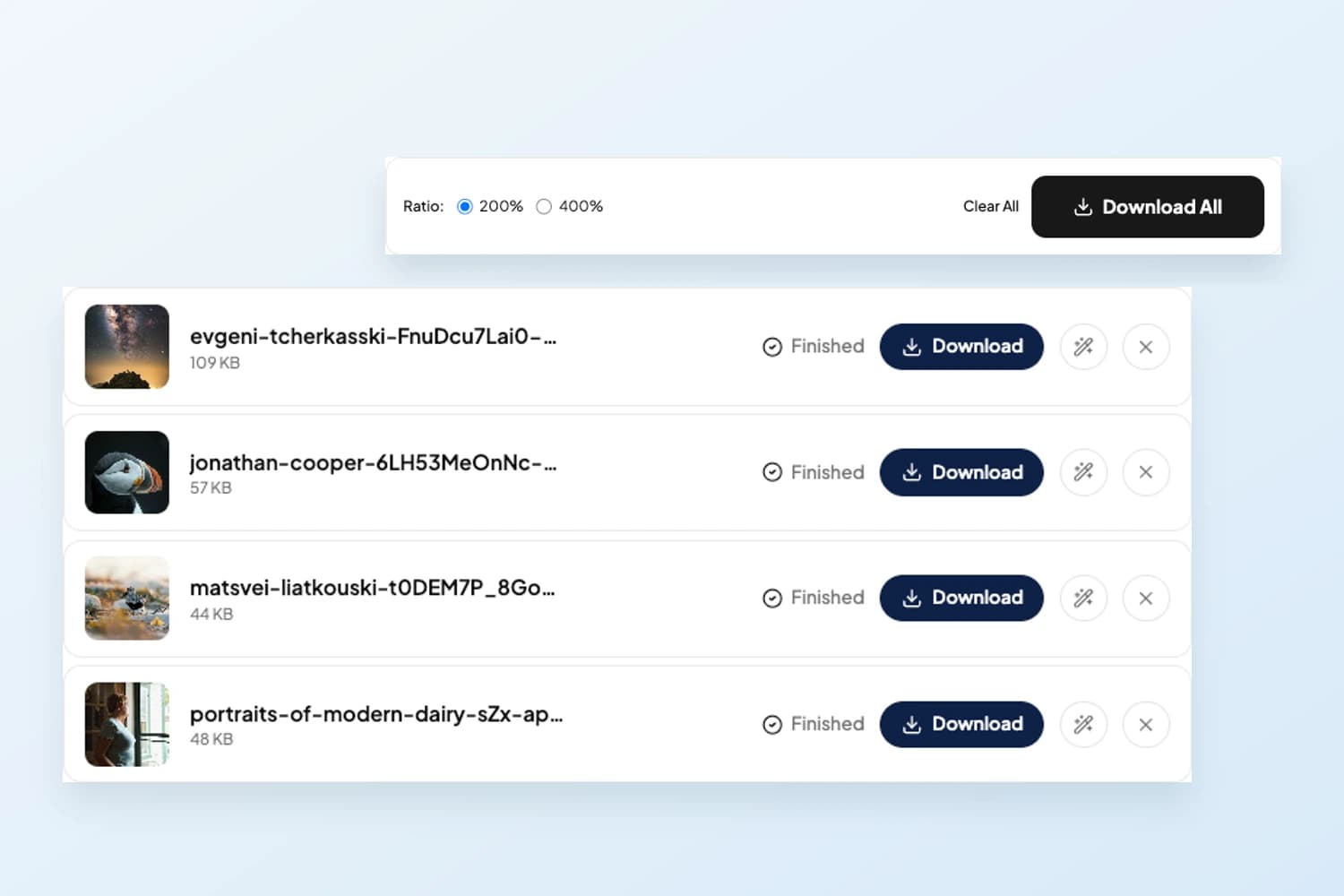
Try portraits with soft hair detail, scanned photos with small faces, or illustrations with pixelated outlines. AI generates detail rather than recovering an exact original, so check faces, text, and logos closely.
Improve image quality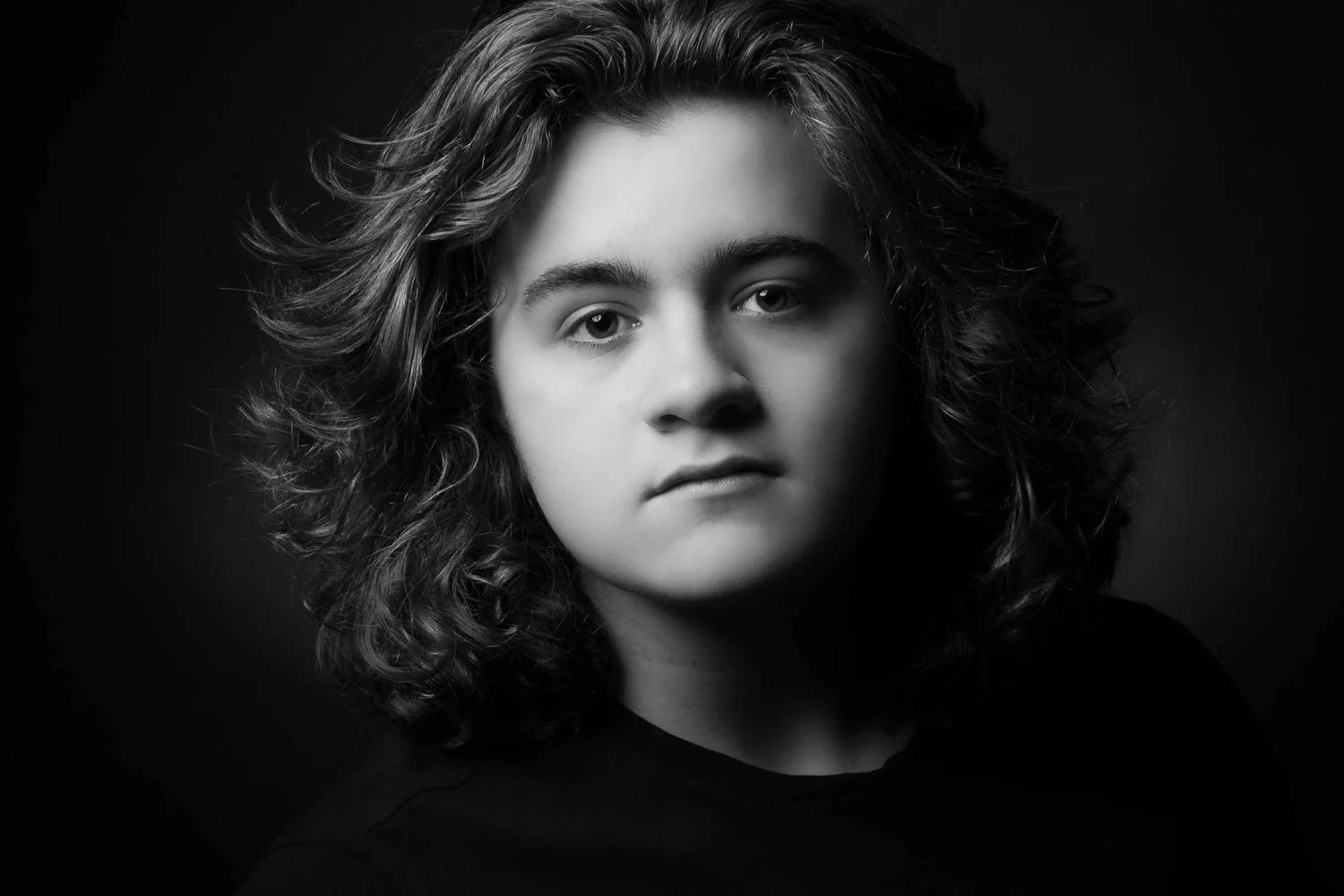

Upload an image, choose 2x or 4x, then preview and download the result.
Step 1
Choose a JPG, PNG, WebP, or AVIF photo or graphic you want to enlarge.
Step 2
Choose 2x or 4x to enlarge both width and height. For example, a 1000 × 750 image becomes 2000 × 1500 at 2x.
Step 3
Move the comparison slider to inspect the original and result. Use Edit if you need further adjustments, then download the image.
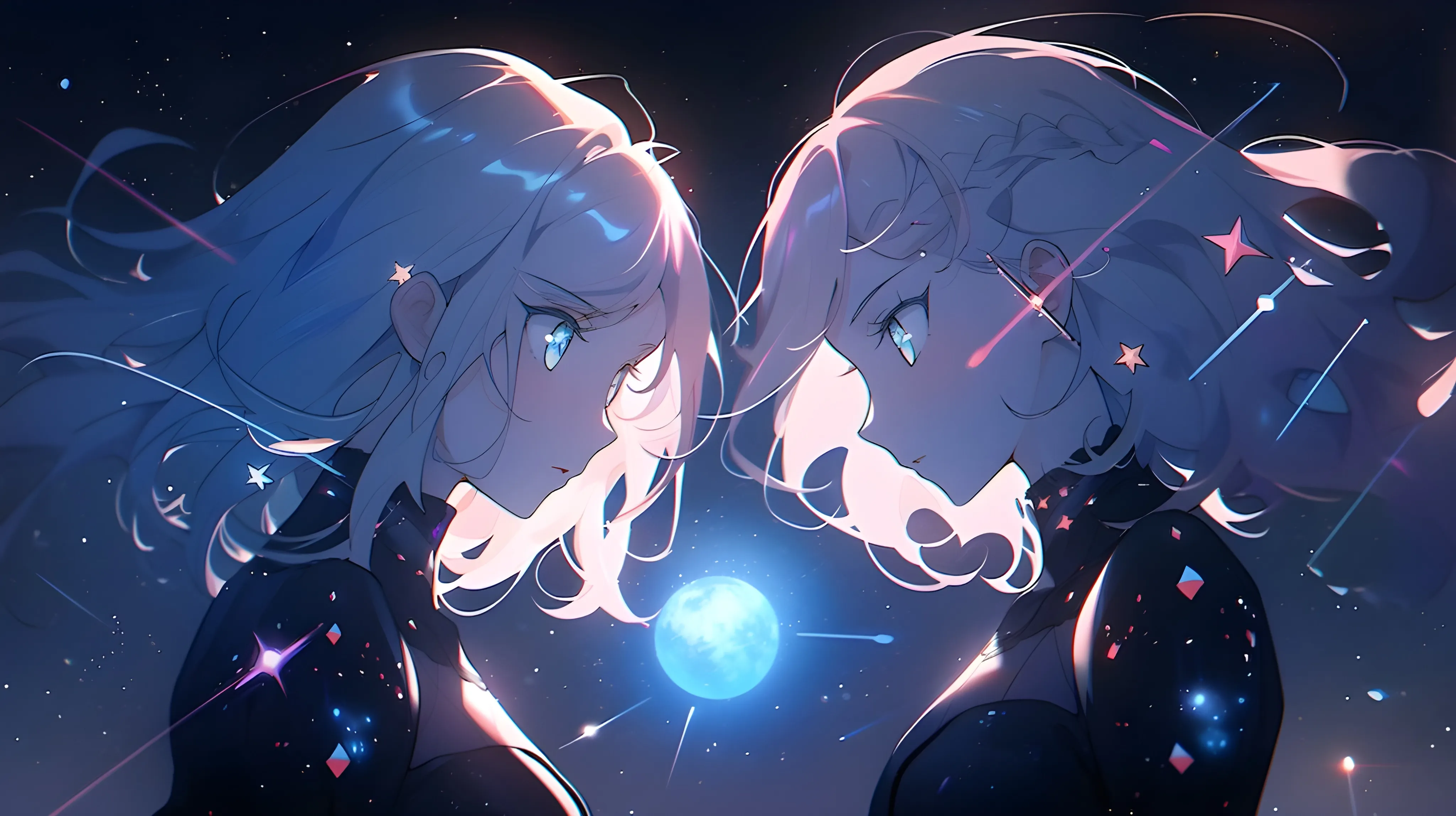

Read what users and reviewers say about ImgUpscaler.
ImgUpscaler makes image enlargement simple, including batch upscaling for users who need to improve several images at once.
ImgUpscaler is useful when you need to upscale multiple images and improve a larger set of visuals without repeating the same manual steps.
Upscaling images should not be costly or complicated. ImgUpscaler gives users a straightforward way to enlarge images online.
Editor
ImgUpscaler works well across different image types, from landscapes and product photos to older pictures that need more detail.
Learn about image sizes, formats, free access, and file privacy.
ImgUpscaler enlarges photos and artwork by 2x or 4x using AI. The scale applies to both width and height: a 1000 × 750 image becomes 2000 × 1500 at 2x. AI also generates detail to make edges and textures look clearer.