Best Ways to Create Visual Flashcards With Enhanced High-Resolution Images
Want to make useful study techniques that make learning easier? Learn how to create engaging visual flashcards with high-resolution images and clear layouts.

Visual flashcards can help one to learn much faster as they give a chance to connect a piece of information with an image that is easy to memorize.
However, not all visuals are equally useful, as some can make a flashcard harder to grasp even if the text on it is easy to understand. A blurry picture or one with low resolution may attract attention but will not help someone memorize the material. Having sharp and well-composed images allows you to make a flashcard informative and professional-looking with all the needed details on it.
People use flashcards for different purposes ranging from school or course studying to language learning and personal development. Yet, those who use them for any purpose can benefit from visual flashcards and several simple recommendations on how to create such materials properly.
By following a few easy steps like finding a relevant image, improving old pictures, and being consistent in a flashcard design, one will be able to achieve great results and fully utilize visual flashcards for learning or other purposes.
Choose Images That Support What You Need to Learn
A visual flashcard should have a purpose. Avoid using complex images. Pick out an image that will allow you to grasp or understand the main idea well.
For instance, biology students may benefit from a labelled plant cell as it connects the new terms with the corresponding structures. Language learners, on the other hand, could use a picture of an everyday item as it helps them store new words in their memory.
AI flashcards can inspire you to combine a brief but confusing text with an appropriate graphic. Always make sure that you study the image that the algorithm has provided you with to ensure that there are no unnecessary details that may mislead you.

Lastly, you should be aware of the image’s resolution before you finalize the card. After all, the enlarged version of the chosen picture may appear blurry as well. Make sure that you have selected the right visual for your flashcard.
Otherwise, you will not benefit from using them. Enlarge it, since a nice picture that blurs when you try to read it will not serve its purpose.
Improve Image Quality Before Adding It to Your Flashcards
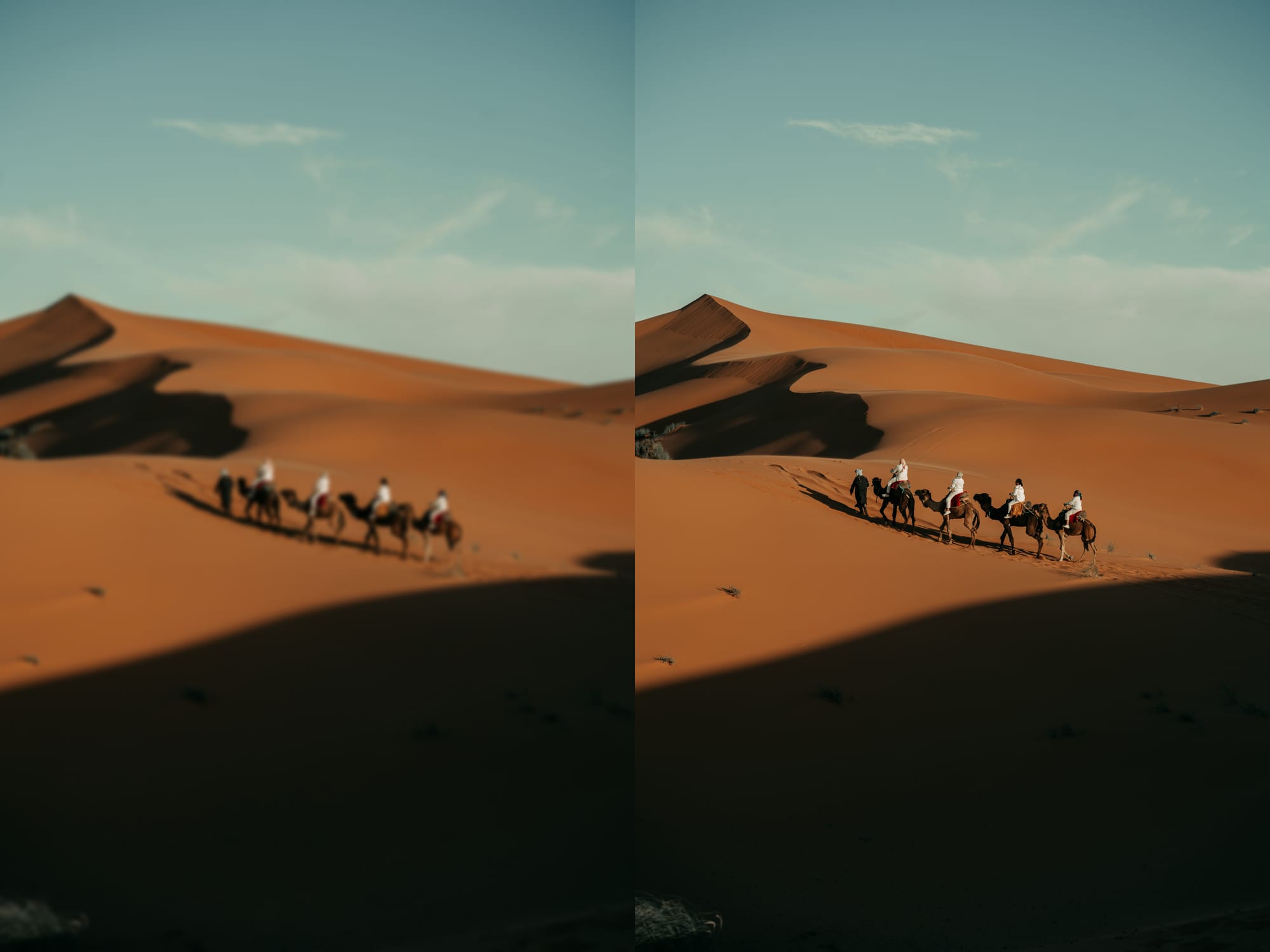
Searching for the best image for a flashcard can be a challenging task if it is too small or of poor quality. Older photos, screenshots, or scanned diagrams may appear blurry when enlarged.
Before inserting an image, make sure to enlarge it to see if the text or other important details are clear enough to read.
Having nice images will help students see the details without any difficulty, which will, in turn, create effective flashcards.
Images with high resolution are more appealing to the eye and can make a website’s content more accessible and engaging. Having clear pictures will help students see all the details without having to squint; they can increase image size online if necessary.

Prioritize quality over quantity when it comes to images and always make sure they look nice and clear. Clear pictures will always provide a good experience and can be used in multiple flashcards or study materials.
Keep Your Flashcard Design Simple and Easy to Follow
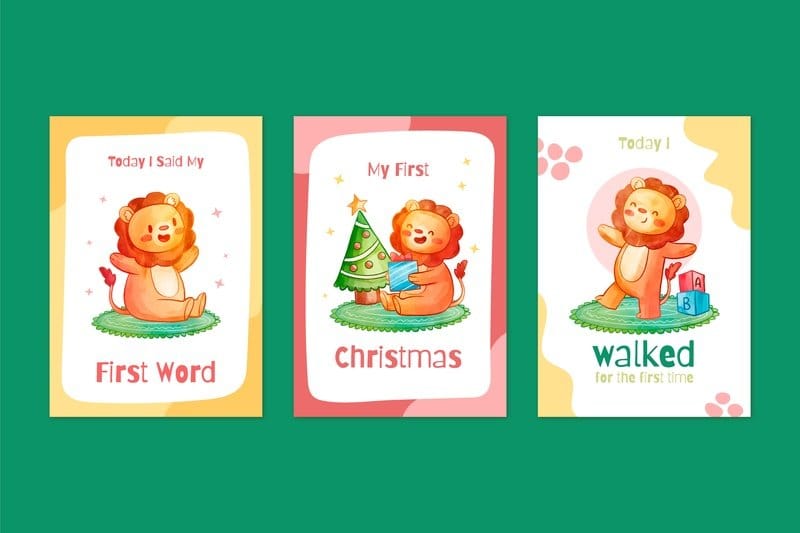
A good flashcard should not be unnecessarily cluttered. It is important to have one core of information per card to ensure immediate comprehension of the main subject.
To begin with, define your learning objective. Choose one image and a short piece of text that will complement each other on a flashcard.
For example, a geography flashcard about volcanoes will have an image of a volcano on the front side and a short description with location and details on the back. Do not add any extra text or images that might confuse the learner or make the flashcard aesthetically unpleasant.
Moreover, it is essential to make the images on the flashcards big and clear so that it is easy to comprehend the subject of the flashcard. Crop the image to remove all unnecessary objects around it. The design of the flashcard should also be simple in order to avoid distractions.
A flashcard does not need complex elements to look nice; a minimalist design works perfectly well without being chaotic. Simple organization will ensure that the information on the flashcard is absorbed more quickly and easily by the brain.
Use High-Resolution Images When You Need More Detail
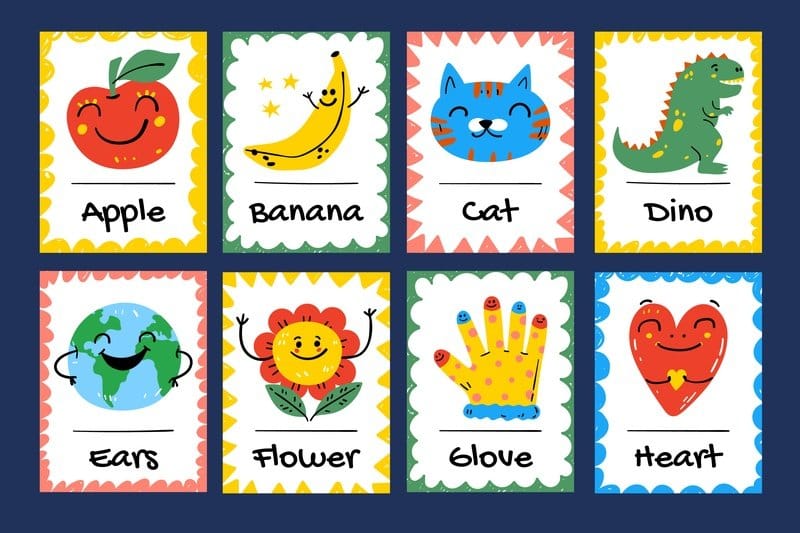
The use cases of visual subjects, such as science, art, geography, anatomy, and many more, are closely tied to the possibility of perceiving fine details. This is why poor quality images, which may appear pixelated and blurry when magnified, are of limited value.
A flashcard with a picture of leaves or a map from history may have a picture that is difficult to make out. However, clear images will always be of greater value, as they contain significantly more useful information for a study session.
It is also essential to remember that increasing the resolution cannot improve the quality of a poorly made image. If the source file is problematic, the results of scaling it up would still be disappointing, as no new information would appear in the image.
Therefore, it is better to choose high-quality source images that do not require additional editing and have excellent resolution. After that, the resolution can be improved to get a clearer, more presentable flashcard that would be helpful during a study session.
Crop Your Images to Focus on the Main Subject
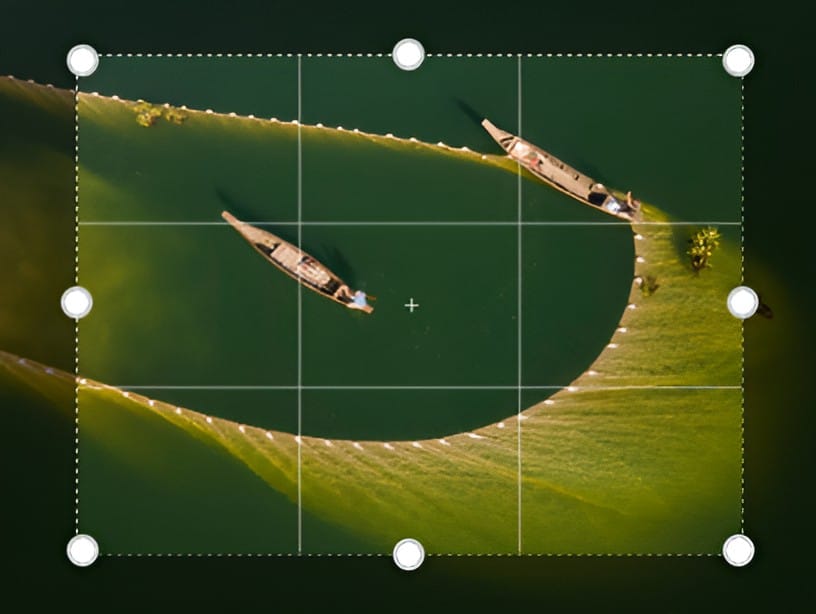
Dramatically improve your flashcards by deleting unnecessary details of image content. Smart cropping directs the viewer’s eye to the important part that you want them to see on your flashcard and creates a cleaner final composition.
For example, when making a flashcard about identifying different flowers, it is best to crop out the rest of the garden scenery that may distract students’ attention from the main subject of the flashcard. After cropping, the image of the flower becomes bigger and easier to scrutinize the small details on it.
The same advice applies to photos, diagrams, and screenshots. Before cropping, think about what your photo is supposed to represent to a viewer.
It is essential to leave enough room around the subject while getting rid of a few distracting elements to prevent the viewer’s mind from wandering.
Always make sure that the image on your flashcard is not pixelated when you zoom in after cropping out some elements – it is best to enlarge it yourself if you have to crop a small piece of an image to make it bigger.
Create a Consistent Look Across Your Flashcard Set
The consistency of the flashcards helps to create a familiar pattern for each card, which makes the whole set more practical and easier to use. The fonts, margins, image sizes, and headings’ placements must be the same in each card.
Such an approach is especially helpful when one has to create a big set of flashcards for better learning.
In this case, cards with chaotic patterns, different image sizes, and contrasting fonts will consume much attention and energy. One would constantly have to focus on the cards’ design rather than on the learning process itself.
Moreover, images must also be consistent. For example, it would be impractical to put an altered photo next to a plain one.
A similar problem could occur if one decides to add a hand-drawn image to a printed photograph: in both cases, the two different types of pictures will compete for attention, thus distracting from the main information.
In general, using a flashcard set with a consistent pattern helps the creator to make it more aesthetically pleasing. At the same time, one can fill the cards with a wide variety of photographs, diagrams, and drawings.
Add Text That Works With the Image
The use of effective visual flashcards makes it possible to supplement the information presented with images with text. It means that the text on the cards should ask questions about the image or give the necessary explanation instead of writing a long description of what can be seen on the card.

To give an example, a picture of the human heart, combined with properly formed questions, will help the learner much more efficiently than writing a detailed description of the structure of the heart.
At the same time, it is necessary to remove all superfluous information and write it in a simplified manner so that the process of learning is not prolonged. If it is necessary to write a lot of information, it will be more comfortable to use several flashcards rather than one.
Finally, it is important to ensure legibility of the text in relation to the background so that the two elements are complementary.
If the background of the flashcard is complex, it is advisable to use white space or another neutral color to highlight the text so that it stands out clearly against the background.
Check Your Flashcards Before You Start Studying
Review your final flashcards in their entirety to catch any minor errors, such as typos, wrong facts, unclear images, text placement, and other details that may affect the quality of your flashcard set.
Test your final flashcards on the display size you will be using to view them on. Cards that appear bigger than the display you will be using can be hard to read on smaller screens.
If you find that one image is significantly more pixelated than the rest, you may want to reconsider the quality of the image before committing to this card. Make sure that the subject of the image is clear but not distracting.
Make sure that each card is fulfilling its purpose. If it seems like a concept is too vague, change it. Remember to make flashcards that allow you to revise well, not flashy cards that have nothing on them.
Final Thoughts
Effective use of visual flashcards demands that one pays attention to the characteristics of clarity and applicability. To this end, it is important to choose relevant images, remove unnecessary elements, and apply similar principles for the layout of items on cards.
Text should also be concise and informative at the same time, underlining the key points. Notably, high-quality visual materials are those that can be cropped to eliminate distracting elements.
Thus, the ultimate objective is to maximize the amount of information per card in accordance with specific needs and personal preferences.
In addition, it is critical to make sure that all cards have been edited prior to using them for studying. Visual flashcards allow one to transform ordinary images into memorable scenes that help avoid boring and ineffective revision.